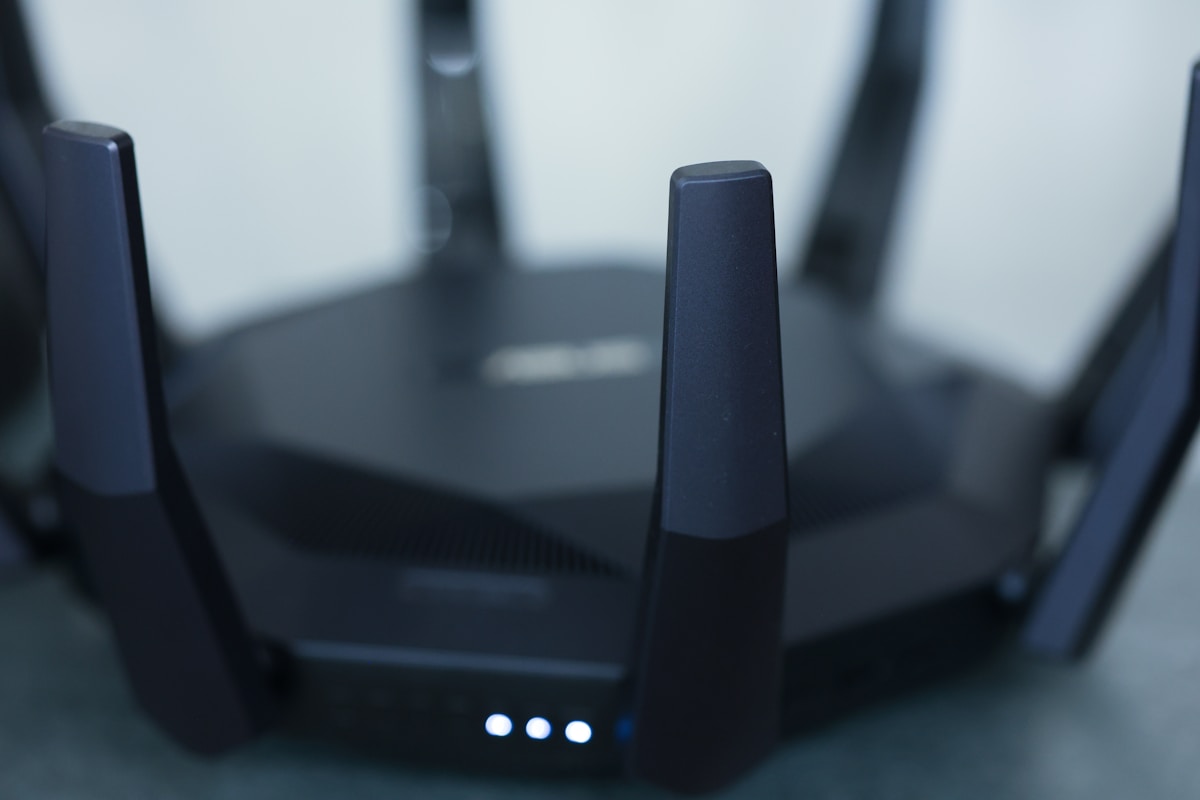
Separate streaming service, app and hardware
IPTV is the delivery method, while an app is the software used to play a stream and a set-top box is a physical device connected to a display. Some subscriptions rely on a compatible app already installed on your television; other setups use a separate streaming device. Clarify which component the provider supplies and which you need to provide yourself.
Write down the exact television model and operating-system version, plus any streaming stick or box you plan to use. Ask whether the service supports it, how access details are delivered and whether the required app is available through a reputable source. If setup help matters to you, confirm what assistance is included rather than assuming hardware or installation is part of the subscription.
Check what is actually available in Australia
Before comparing channel counts, make a list of the content you want and ask whether it is offered to a customer using the service in Australia. Availability can be affected by distribution rights, territory, package and programme. A page that mentions Australia in a keyword or title does not establish that every listed channel is locally available or authorised.
Ask about live channels, on-demand titles, electronic programme-guide data, catch-up and language options separately. If a particular event, programme or channel is essential, request confirmation for that specific item. A transparent provider will explain package differences and limits without requiring you to infer important terms from a broad promotional claim.
Think about the connection where you watch
For Australian households, streaming quality depends on more than the headline speed of a broadband plan. Wi-Fi coverage, household usage, router placement, the device’s capability and the stream source can all affect results. Test at the television in the room where you watch most often, including during the times when other people in the household may also be online.
If possible, test through Ethernet to remove some wireless variables. With Wi-Fi, consider the distance from the router, walls and other devices competing for network capacity. For mobile or fixed-wireless setups, check any data allowance or usage policy that applies to your connection. Do not assume that every home internet plan will behave identically just because it advertises a similar maximum speed.
Evaluate picture quality without relying on labels
HD, Full HD and 4K describe output resolutions, but a label does not guarantee that every programme is delivered in that format. The source, player, display and network all need to support the chosen quality. If your television is 4K-capable, test a stream explicitly offered at that resolution and compare it with your usual viewing rather than judging the entire service by one promotional clip.
Watch for repeated pauses, audio and video falling out of sync, slow channel changes and images that become soft during motion. Record when the problem occurs and whether it is limited to one stream. That information helps support understand the issue. Be cautious of absolute “no buffering” promises: real-world playback can vary with the service path and the customer’s home network.
Make the guide and app easy to use
A useful electronic programme guide should help you find what is on now and what follows, with readable times and programme details. Check the speed of navigation, the accuracy of listings, the search function and how clearly channels are organised. If multiple people share the television, make sure the interface is comfortable for everyone who will use it.
For on-demand content, test the search, categories, descriptions and language or subtitle options that matter to you. Ask whether catch-up is included and whether it applies to all channels or only selected ones. A large catalogue can still be frustrating if titles are difficult to find or descriptions do not match the programme. Focus on ordinary tasks you will repeat each week.
Compare subscription pricing and renewal
Calculate the cost over the full subscription period and confirm what is included. Ask about setup charges, supported devices, simultaneous streams, payment methods, renewal pricing and refunds. A short initial plan may make it easier to verify a service before committing for longer, while a longer plan should be considered only once you are comfortable with its content, compatibility and support.
Greadia’s current listed prices are €12 for one month, €25 for three months, €32 for six months, and €55 for twelve months plus one extra month. Since those prices are listed in euros, check the amount your payment provider will charge and any currency-conversion fee that may apply. Review the current Pricing, Terms and Refund Policy pages before payment.
Test access with a clear plan
Greadia lists a trial period of 5–24 hours depending on timing and current availability. Confirm the actual duration, eligibility and included features with support before activation. Prepare a short checklist: try the content you care about, open the programme guide, search for a title, check the image on your usual screen and test from your normal network at a realistic time.
A trial is useful for identifying basic compatibility issues, but it is not a guarantee that every stream will behave exactly the same in the future. If something fails, capture the device, app, time and error message. If a trial is not currently available, use written terms and support answers to decide whether the plan is clear enough to purchase.
Protect account details and choose support you can reach
Use a private password, avoid sharing login details publicly and check the provider’s privacy policy. Understand what personal information is collected, how support contacts you and how account changes are requested. Keep the plan description and payment confirmation. If a site or a message cannot be connected to a known official domain, do not provide credentials or payment details until you verify it.
Before subscribing, confirm the support channel and expected process for troubleshooting. If playback fails, state the device, app, connection type and steps already tried; a precise description is more useful than a generic report that “IPTV is down”. Read renewal and refund terms before the problem occurs so you know where to go if support cannot resolve a material issue.
Frequently Asked Questions
What should I look for in IPTV Australia?
Check local content availability, device and app compatibility, performance on your connection, full price, renewal terms and a support route you can verify.
Do I need a separate set-top box?
Not always. It depends on your television, available apps and the provider’s requirements. Confirm your exact setup before buying any hardware.
Can a high-speed connection guarantee perfect streaming?
No. Wi-Fi, device performance, network congestion and the stream source can also affect playback.
How long is Greadia’s trial?
A 5–24 hour window may be available depending on timing and current availability. Confirm the actual duration and conditions before activation.
Ready to compare your options?
Review Greadia’s published plans, confirm device compatibility and ask support about the exact content, trial availability and conditions for your location before paying.
Published prices currently include €12 for one month, €25 for three months, €32 for six months and €55 for twelve months plus one extra month. A 5–24 hour trial may be available depending on timing and availability; confirm current details first.
Related reading
IPTV Slovensko: Ako vybrať službu, aplikáciu a zariadenie · IPTV kaufen in Österreich: Anbieter, 4K und Wien prüfen
FAQ · Terms · Privacy · Refund Policy